
WIZMO-TOOLSMotion Simulator Development Environment

Motion simulator development environment
WIZMO-TOOLS
To streamline motion simulator development, the toolkit supports game engines such as Unity and Unreal Engine and includes timeline control, wireless communication, and other useful features out of the box.
Available on GitHub — try it without a motion simulator
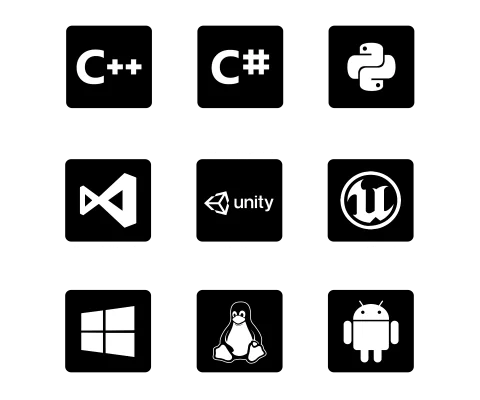
Broad language support
A versatile development environment
The development tools support major languages including C++, C#, and Python. Unity and Unreal Engine are supported as standard for easy integration. Supported OSes are Windows, Linux, and Android, and it also runs on Raspberry Pi.
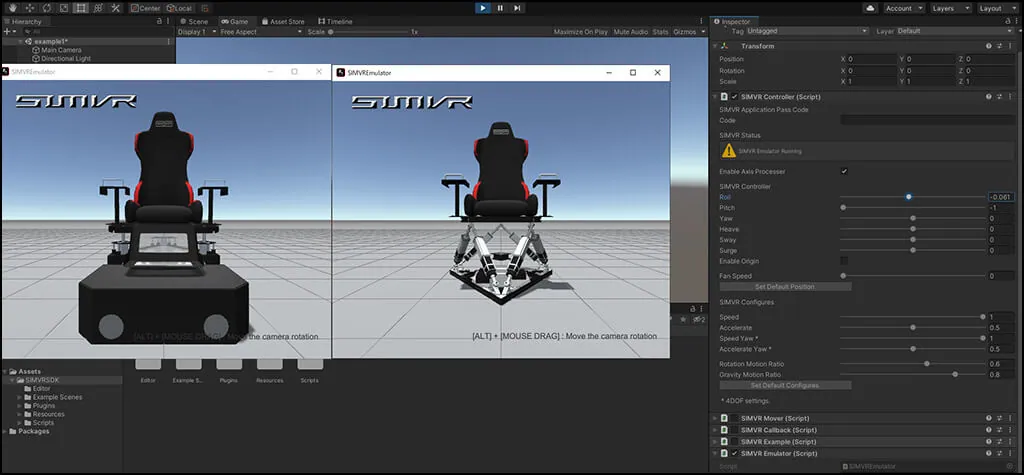
Built with software
developers in mind
Every tool you need to control a motion simulator is included. Unlike competing products, it is designed around how software engineers actually work. A 3D emulator lets you verify motion without the physical unit, and the Mover system automatically drives the platform by tracking the state of a 3D object.
Key technologies
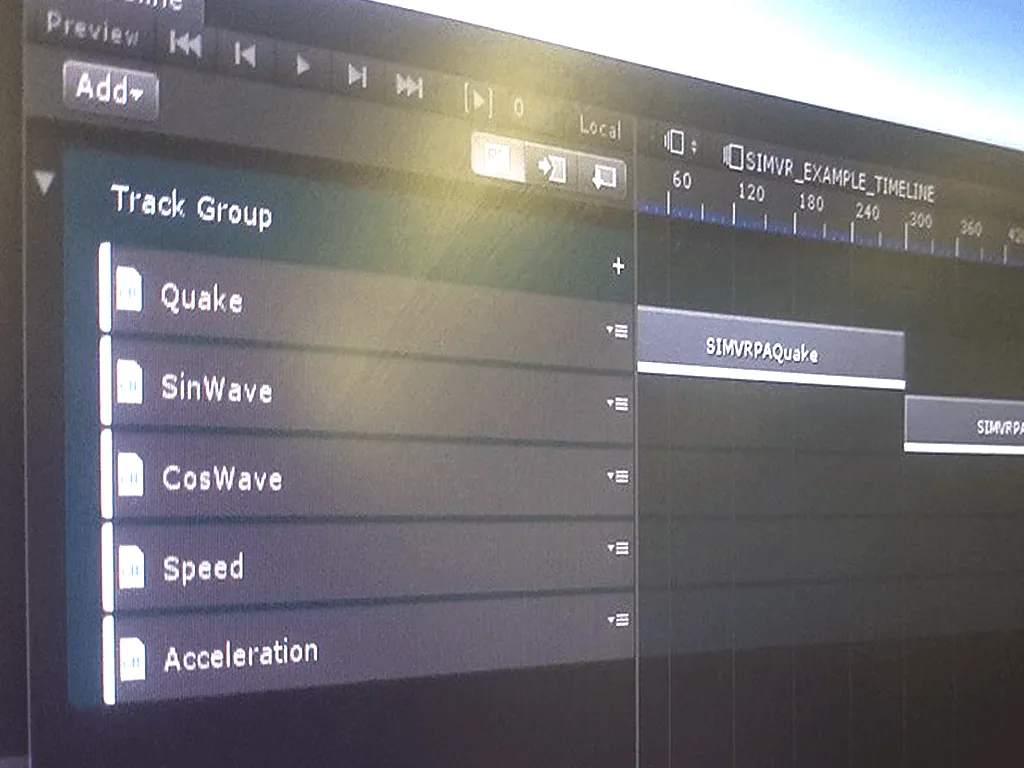
Timeline control
Use the timeline features in Unity and Unreal Engine to verify motion in sync with video and music.
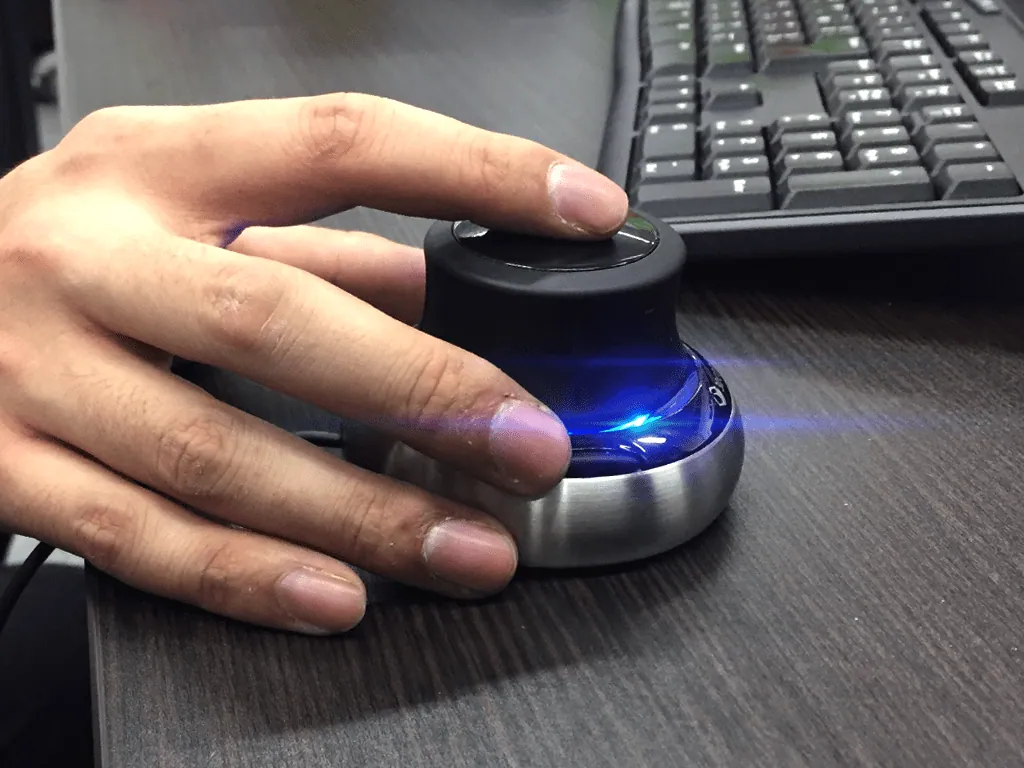
Controller input
Pair it with a 3D mouse to control the motion simulator more intuitively.
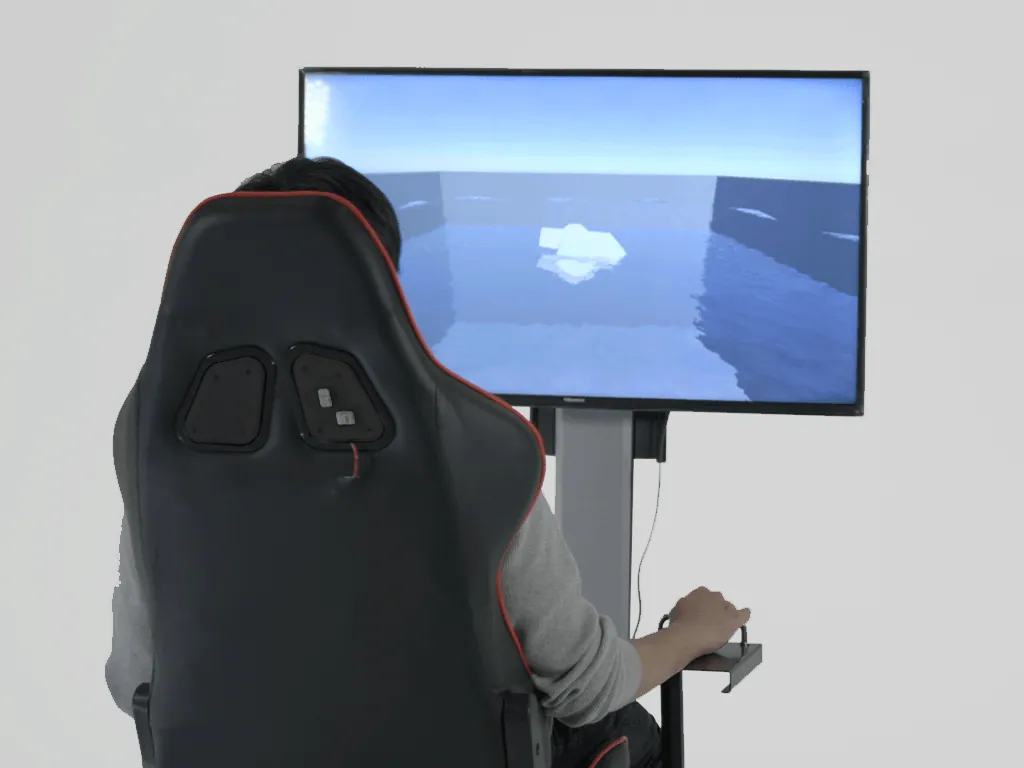 Real-time pose calculation
Loads Unity or Unreal Engine project files and automatically calculates platform pose from camera data and the movement of tracked objects.
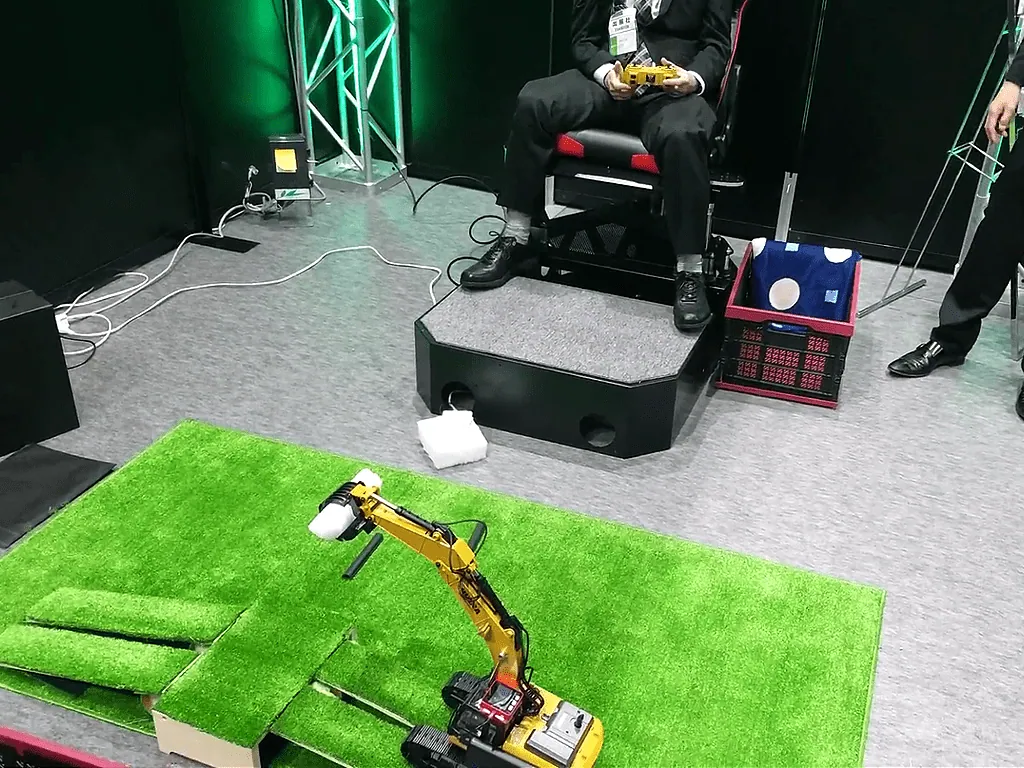
Integration with existing systems
Connect a Raspberry Pi or other microcontroller to send accelerometer, gyroscope, and magnetometer data to the unit over a network.
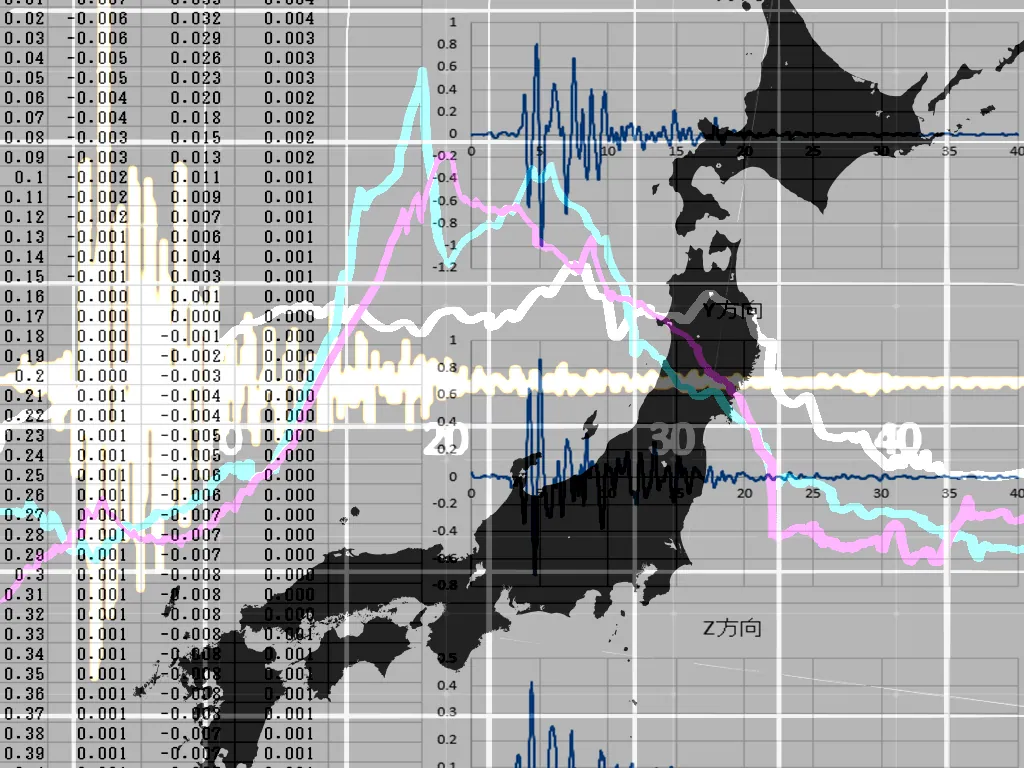
Motion data import
Analyzes earthquake waveform CSV files, dashcam GPX logs, and other measurements to reproduce the recorded motion on the simulator—a feature already used in disaster-preparedness VR and other applications.
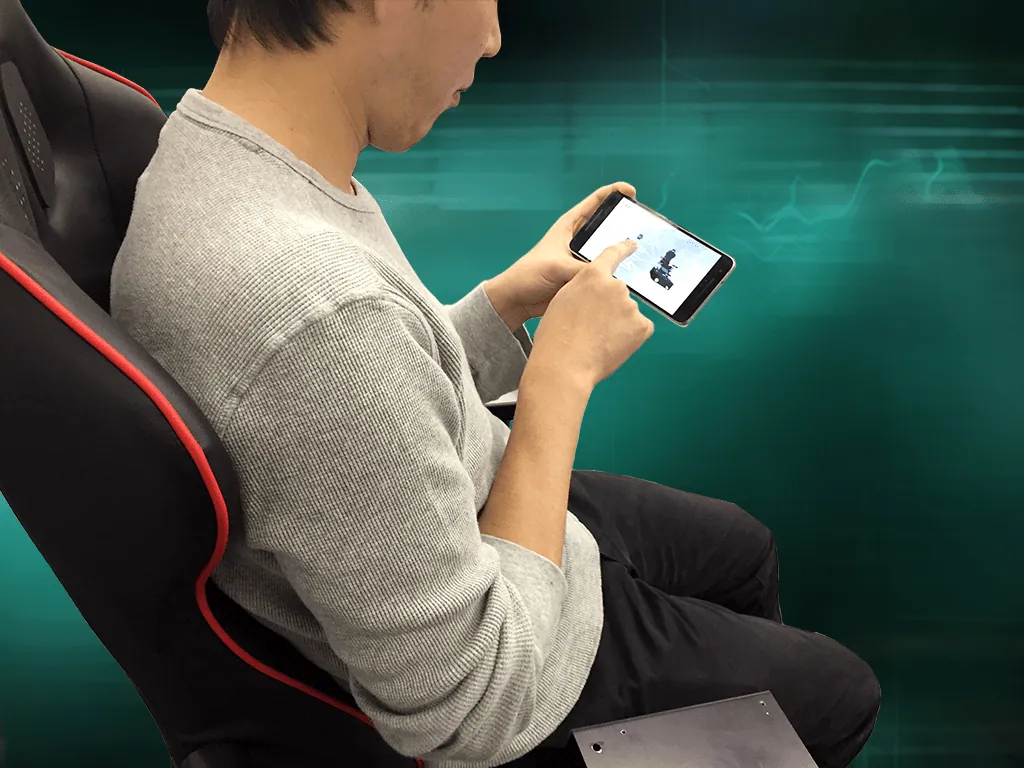
Wireless control
Connects standalone VR headsets directly and wirelessly to the motion simulator (requires an optional add-on for the controller board).
WIZMO-TOOLS motion simulator SDK
Software specifications
| Typical competing systems | WIZMO-TOOLS | |
| USB control | ✓ | ✓ |
| Wi-Fi control (for mobile devices) | ✕ | ✓ (device sold separately) |
| Absolute actuator position control | ✓ | ✓ |
| Actuator velocity control | △ Fixed only | ✓ Fixed or variable |
| Actuator fault monitoring | ✕ | ✓ |
| Windows API | ✓ | ✓ |
| Linux API | ✕ | ✓ |
| Unity and Unreal Engine | ✕ | ✓ |
| Python | ✕ | ✓ |
| Custom pose data | ✓ | ✓ |
| Automatic calculation from game-engine pose data | ✕ | ✓ |
| Axis testing and auto-calibration | ✓ | ✓ |
| GUI motion authoring | ✕ | ✓ |
| VR device integration | ✕ | ✓ |
| Vibration unit integration | △ Software control only | ✓ Hardware and software control |
| Support languages | English | Japanese, English |
| Hardware warranty | ✕ None | ✓ Included |
| Software development support | ✕ | ✓ Expert support |

A pioneer in motion simulators
WIZAPPLY
CONTACT
Contact
Questions about products, feasibility, pricing, or quotes—feel free to reach out.
Our technical staff will respond promptly.

Learn more in the catalog
WIZAPPLY MOTION full product catalog
Download materials that make it easy to present motion simulators to colleagues and clients.
Download the catalog
Contact form
Contact form
Try our demo units and content, including driving simulators, while discussing VR events, custom motion base builds, and more in detail. Feel free to get in touch.
Go to the form