
SIMVR EQ4-Axis XR Earthquake Simulator
NEWSLatest updates
XR earthquake simulator
A new approach to disaster preparedness: XR × physical motion
SIMVR EQ
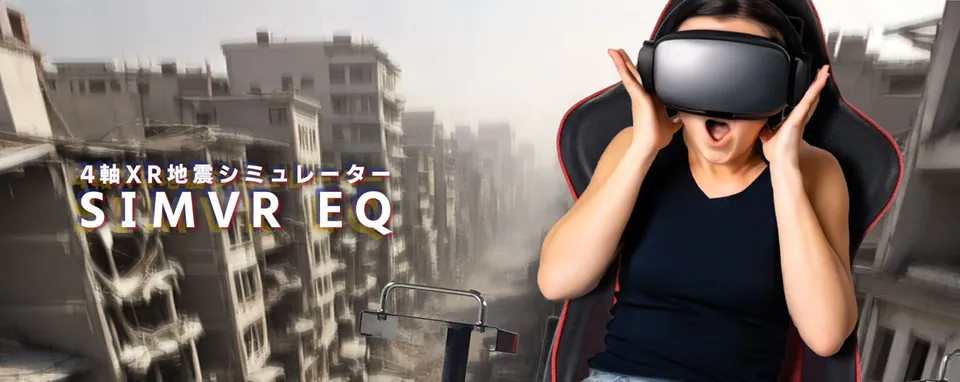
SIMVR EQ is an earthquake simulator that uses XR. Low-frequency output that conveys the fine vibration of an earthquake directly and fast-responding electric actuators deliver deep immersion. Because it runs on standard outlet power, you can hold disaster-preparedness events inside your facility.

Pseudo-6DOF motion that captures the force of an earthquake
A highly durable earthquake simulator
Six degrees of perceived motion, a low-frequency vibration unit, and mounting holes and rails that make customization easy. Fans, heaters, and other equipment can be added for even deeper immersion.
A motion simulator that captures the character of an earthquake
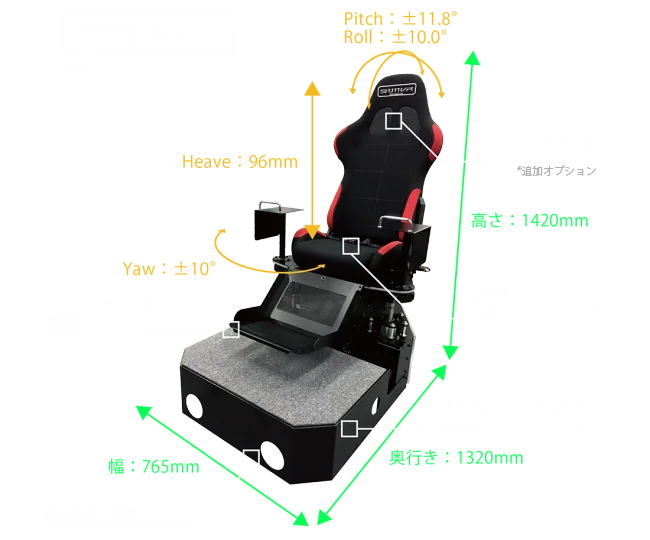
Three primary axes plus an additional axis for parallel rotation—four in total—deliver dynamic motion. It faithfully reproduces the shaking and jolts of an earthquake, conveying its real fear.
A powerful vibration unit that heightens motion cues
The unit has a vibration unit—a powerful subwoofer—that transmits the deep rumble characteristic of an earthquake directly to the occupant from beneath the seat, for deep immersion.
Fast-responding electric actuators
WIZMO-TOOLS, a separately sold development environment, makes it easy to control the motion simulator, including integration with game engines. Use it to develop your own earthquake content.
Uses seismic waveform data published by the Japan Meteorological Agency
Full-fledged earthquake experience content
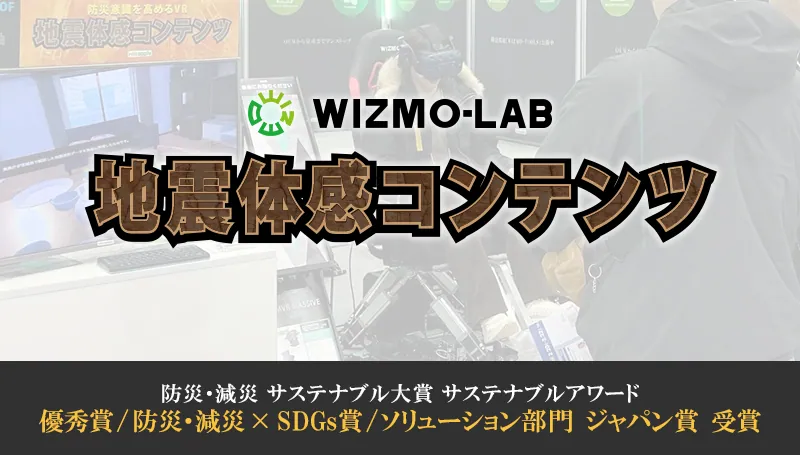
Built on actual waveform data, this content reproduces the characteristics of historical earthquakes, raising disaster awareness among generations who have never experienced one.
It is optimized for operation in unused space in commercial facilities and runs on standard 100 V outlet power, so no installation work is required and it can run right away. Feel free to ask.
Note: This content covers an earthquake experience set in an apartment only.

Case study 1: VR earthquake experience
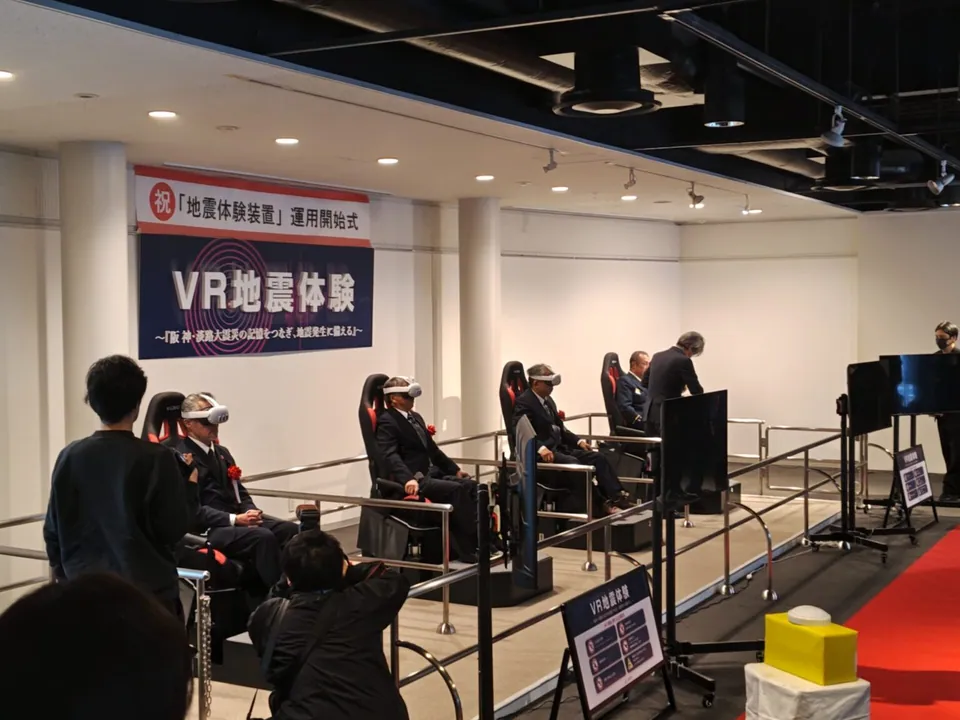
Nojima Fault Preservation Museum, Hokudan Earthquake Memorial Park
Case study 2: VR earthquake simulator vehicle
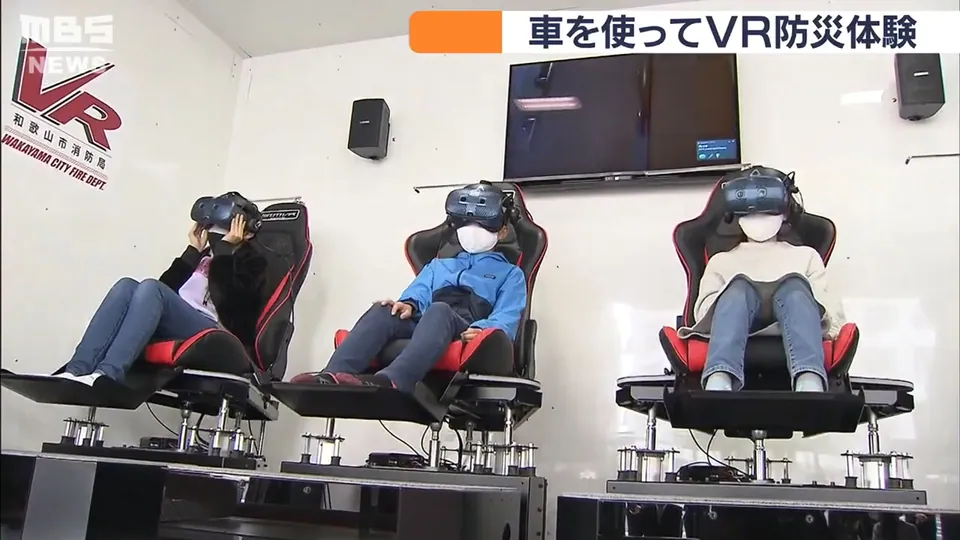
Wakayama City Fire Department
Adopted for VR earthquake simulator vehicles
Customizable for a wide range of scenarios
To deepen VR immersion through motion, the SIMVR series is fitted with mounting rails that support a wide range of customizations—add a steering wheel, levers, and other controls to match the setup you are simulating.
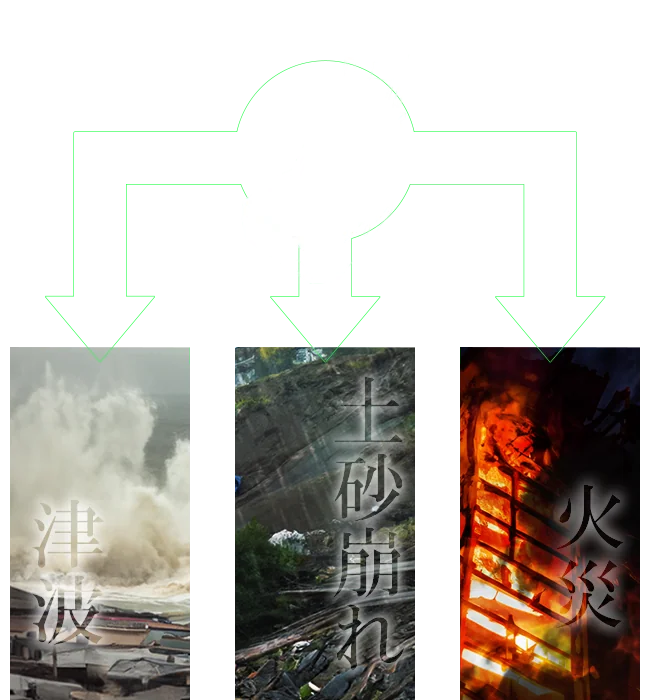
Mount a real car seat and steering wheel for a scenario where occupants are trapped in a car during a tsunami, or use a heater to recreate the heat of a post-earthquake fire—XR lets you go beyond conventional earthquake simulators. Durability is another strength: at Huis Ten Bosch, which installed 16 SIMVR units for VR attractions, three years of operation passed without a single failure that took a unit out of service—proof of a structurally robust design.
Even lower cost
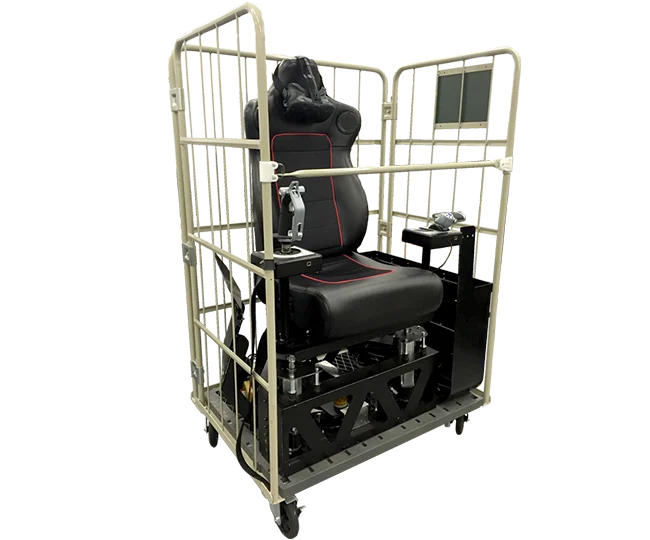
Ships by economical cargo freight—convenient for events—and runs on standard outlet power thanks to electric actuators. Running costs are far lower than hydraulic motion simulators.
We can build to your requirements—feel free to contact us.

Development tools are available too.
WIZMO-TOOLS
To streamline motion simulator development, the toolkit supports game engines such as Unity and Unreal Engine and includes timeline control, wireless communication, and other useful features out of the box. Develop content for anything from flight to racing simulation to fit your requirements.
Timeline control
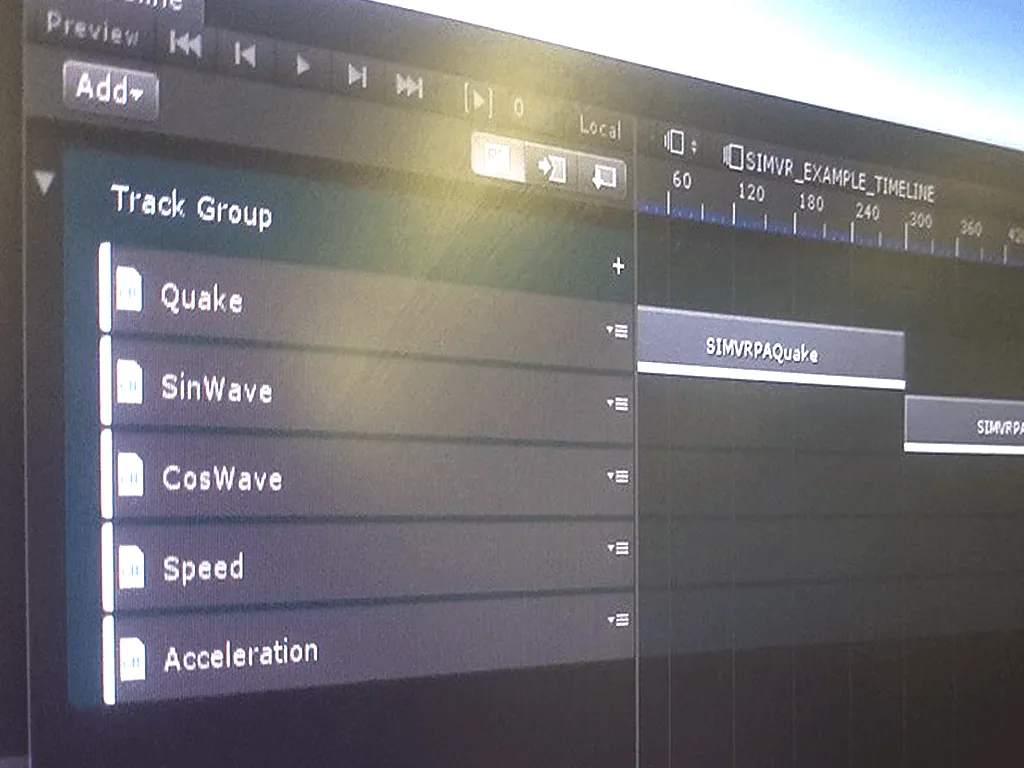
Drive the VR earthquake simulator in sync with music and video—for example, together with disaster-preparedness videos that use live-action footage.
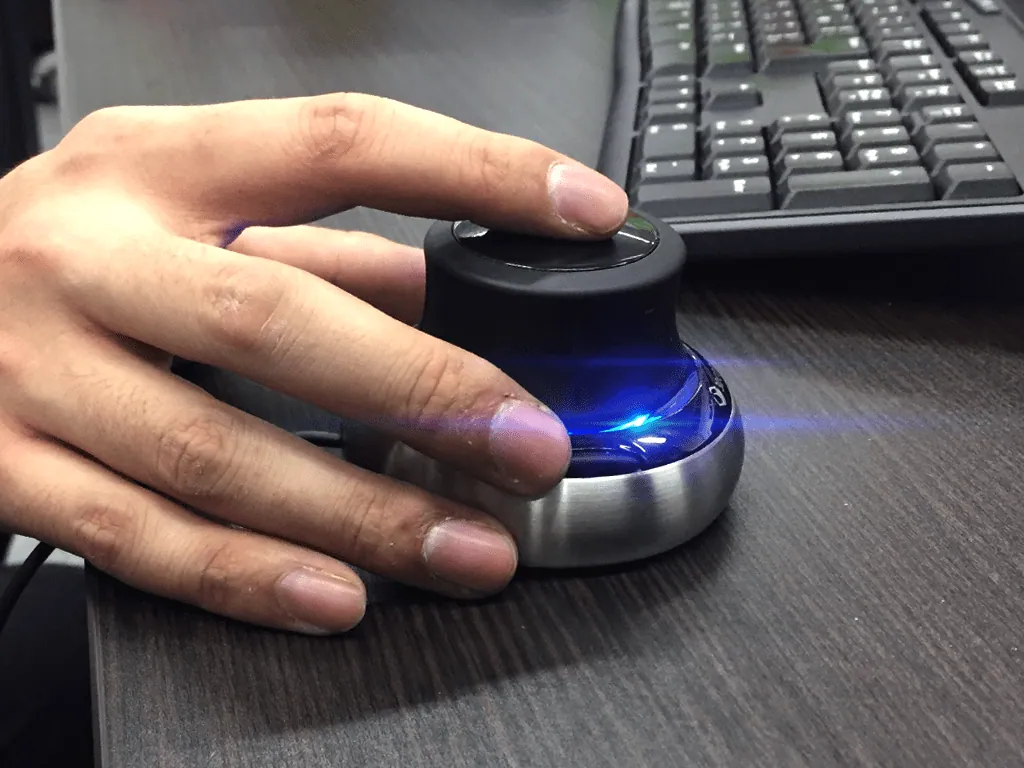
Controller input
Combined with a 3D mouse, even slow, flowing motion can be authored intuitively—for example, to recreate a car swept away by a tsunami.
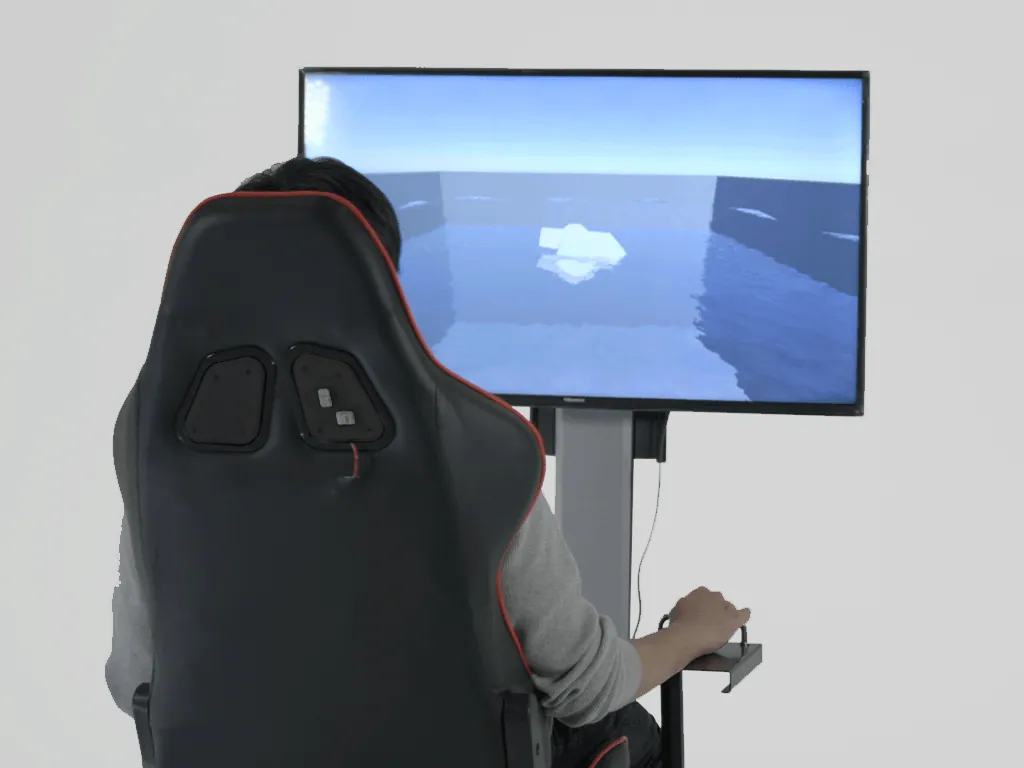 Real-time pose calculation
Calculates platform pose automatically from camera data and the movement of tracked objects. Even finished CG content can be ported using automatic calculation.
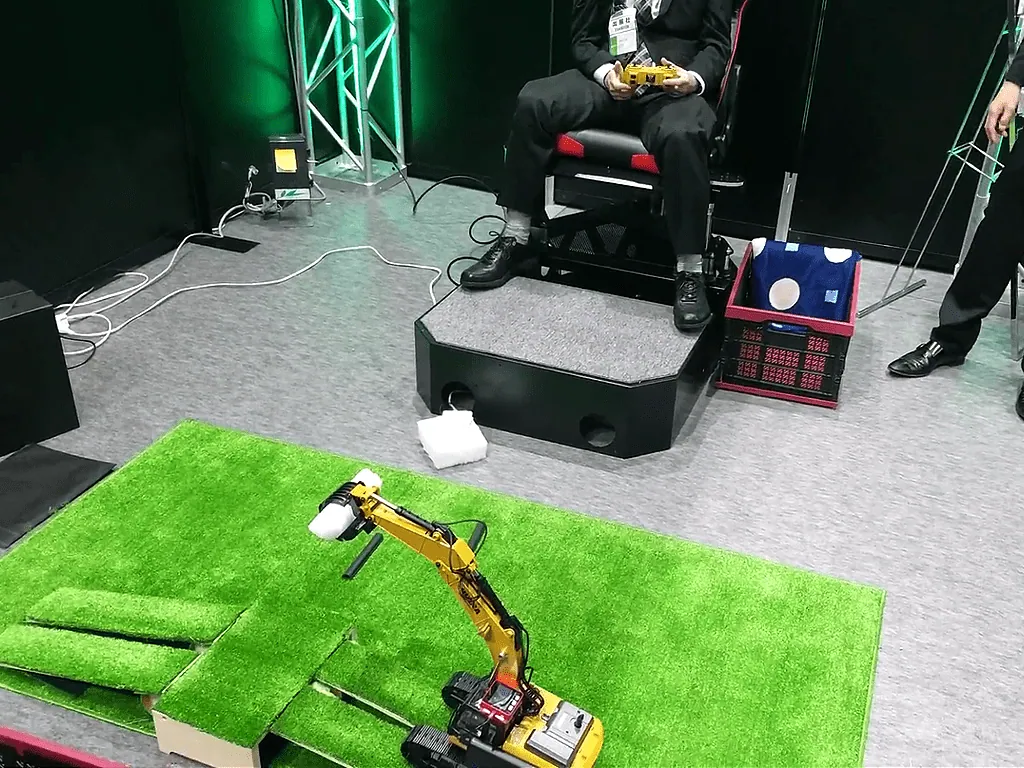
Integration with existing systems
Connect a microcontroller or similar device to send accelerometer, gyroscope, and magnetometer data to the unit over a network—useful for teleoperation and similar applications.
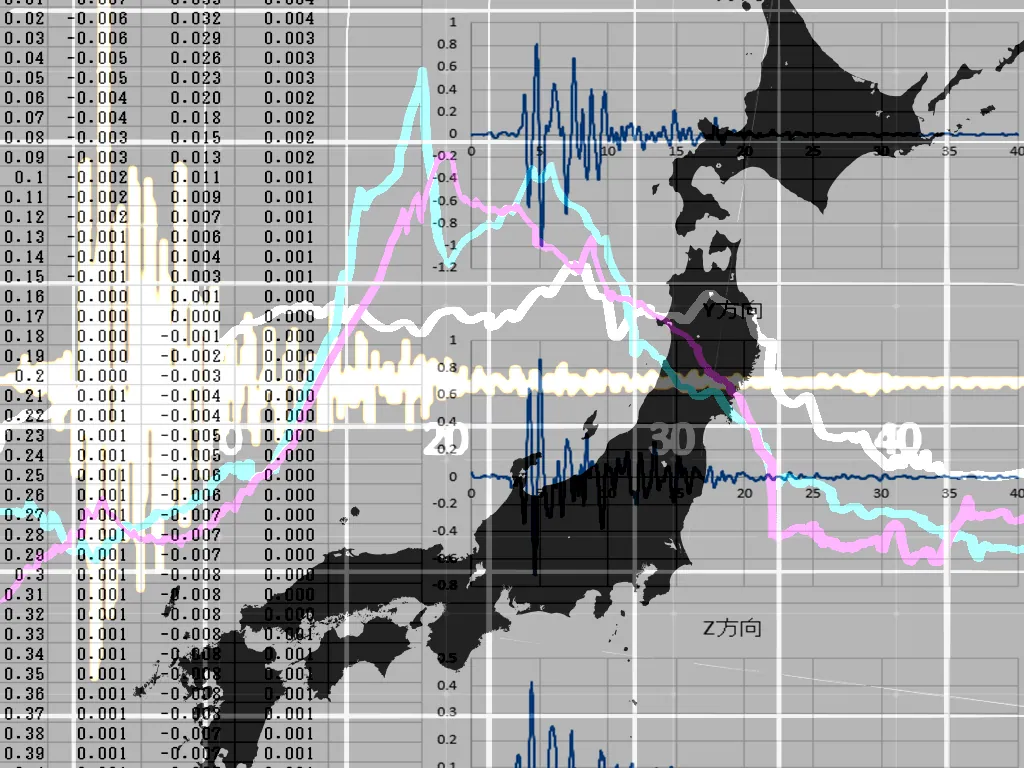
Motion data import
Analyzes earthquake waveform CSV files to reproduce the recorded motion. Using data published by the Japan Meteorological Agency, it realistically recreates how the ground shakes and how intensity rises and falls.
Wireless control
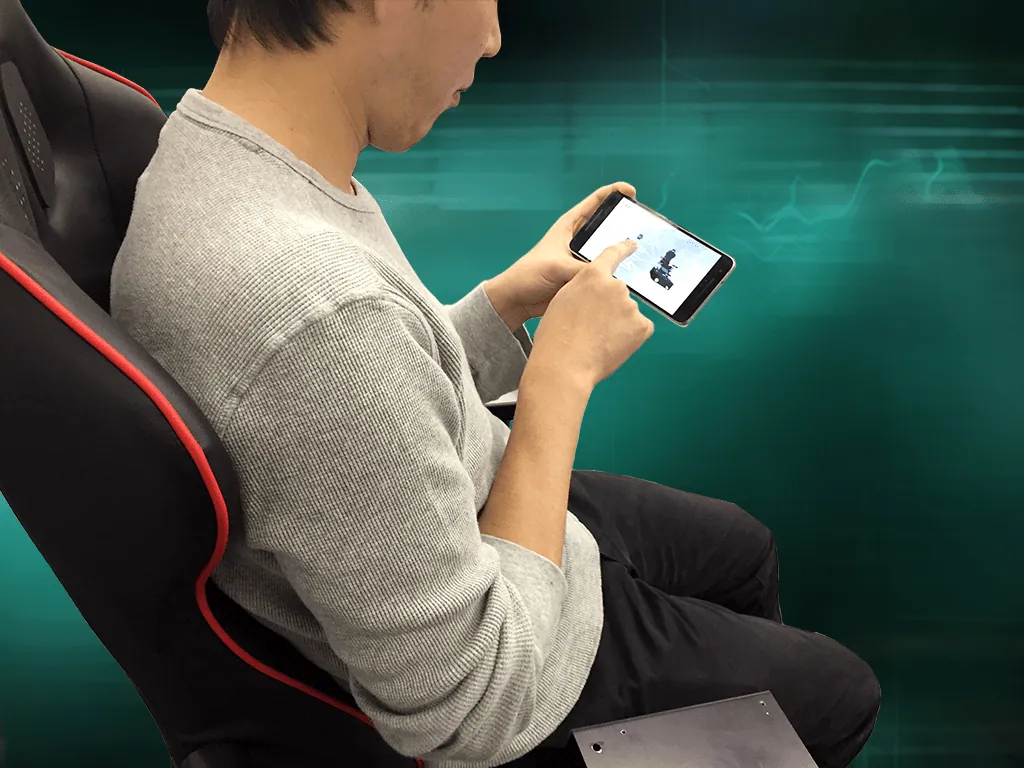
Connects directly and wirelessly to standalone VR headsets (requires an optional add-on for the controller board). Multiple units can be operated simultaneously.
VR earthquake simulator development environment
WIZMO-TOOLS software specifications
| Typical competing systems | WIZMO-TOOLS | |
| USB control | ✓ | ✓ |
| Wi-Fi control (for mobile devices) | ✕ | ✓ *Device sold separately |
| Absolute actuator position control | ✓ | ✓ |
| Actuator velocity control | △ Fixed only | ✓ Fixed or variable |
| Actuator fault monitoring | ✕ | ✓ |
| Windows API | ✓ | ✓ |
| Linux API | ✕ | ✓ |
| Unity, Unreal Engine | ✕ | ✓ |
| Python | ✕ | ✓ |
| Custom pose data | ✓ | ✓ |
| Automatic calculation from game-engine pose data | ✕ | ✓ |
| Axis testing and auto-calibration | ✓ | ✓ |
| GUI motion authoring | ✕ | ✓ |
| VR device integration | ✕ | ✓ |
| Vibration unit integration | △ Software control only | ✓ Hardware and software control |
| Support languages | English | Japanese, English |
| Hardware warranty | ✕ None | ✓ Included |
| Software support | ✕ | ✓ Expert support |
| Higher-end models | ✕ | ✓ Fully compatible (6DOF) |
SIMVR 4-axis motion simulator
Hardware specifications
| Mechanical | ||
|---|---|---|
| Electrical | 100–250 VAC Standard household power | Average 300 W Max. 500 W |
| Dimensions | H 1420 × W 765 × D 1320 mm | Footprint W 875 × D 1320 mm |
| Weight | 89 kg / 196 lb | No anchoring required |
| Actuator thrust | 1,058 N per actuator | |
| Rated travel life | 3,000 km per actuator | |
| Motion performance | ||
| Motion (4 degrees of freedom) | Heave | Pitch, roll, yaw |
| Range of motion (single axis, max.) Combined motion: 80% guaranteed | Heave ±48 mm | Pitch ±10.0° Roll ±10.0° Yaw ±10.0° |
| Max. speed At the seat | Translation 100 mm/s | Rotation 20°/s |
| Max. instantaneous acceleration Measured at the seat | Heave 3.0 m/s² Tilt-assisted surge 1.4 m/s² Tilt-assisted sway 1.4 m/s² | Pitch 650°/s² Roll 650°/s² Yaw 600°/s² |
| Load test | Max. 120 kg / 265 lb (30 min) Derating begins at 90 kg / 198 lb | Payload 100 kg / 220 lb |
| Environment and protection | ||
| Actuator protection | Overspeed, main power overvoltage Regenerative voltage fault, overload | Sensor fault, servo fault Encoder disconnection |
| Enclosure rating | Equivalent to IP12 | |
| Operating environment | Operating temperature 0–40°C Storage temperature −20–60°C | Humidity 90% RH or less Non-condensing |
| Shock and vibration resistance | 2G / 10G (2 cycles) | |
| Control and response Measured values | ||
| Actuator control | 4-axis synchronized start All axes updated on the same cycle | |
| Actuator speed | Max. speed 150 mm/s | Max. acceleration/deceleration 3,000 mm/s² |
| Fastest command update cycle | 50 ms | Command response 10 ms or less PC → controller |
| Motion latency Command → start of motion | Approx. 80 ms | Can be compensated by sending commands ahead |
| Tracking performance Amplitude ±2 mm | No amplitude loss up to 3 Hz | Tracking delay 100–130 ms |
| Position accuracy | Repeatability 0.5 mm RMS or better Tracking at 3 Hz | Position command resolution approx. 0.39 mm |
| Controller and development environment | ||
| Controller | SIMVR CS Controlled only through WIZMO-TOOLS | |
| Development environment | WIZMO-TOOLS | |
Model WP4D2101BK Spec sheet (Japanese)
A new approach to disaster preparedness using XR × physical motion
SIMVR EQ 4-axis XR earthquake simulator
Product information
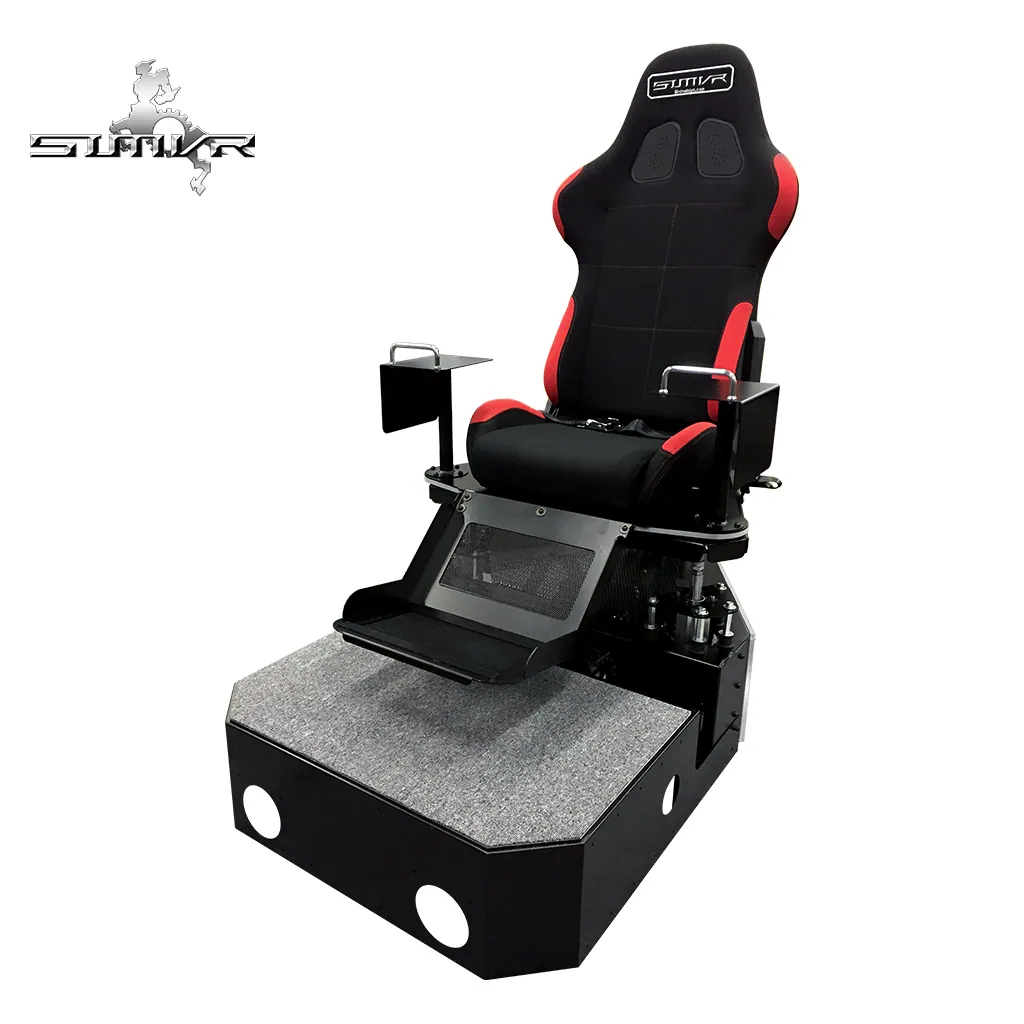
SIMVR EQ is a 4-axis motion simulator dedicated to XR earthquake simulation, built around XR combined with physical motion. Three rotational axes (pitch, yaw, roll) plus vertical heave reproduce the fine motion of an earthquake. On top of deep immersion that even recreates the ground rumble, it runs on standard outlet power and is mobile enough to set up in unused space in commercial facilities, making indoor disaster-preparedness events possible.
Available plans
• Standard purchase
• Evaluation for motion simulator development
• Customization (OEM design)
What's included
• SIMVR 4-axis XR earthquake simulator unit ×1
• Earthquake experience content ×1
• User manual ×1
SIMVR SUPPORT (maintenance)
• Defects are repaired free of charge.
• Phone support (Japanese) is available weekdays 10:00–17:00 JST.
• Event rentals include coverage automatically for the rental period.
• Software issues are handled through remote support.
• For hardware issues, we dispatch an engineer.
*1 Travel and lodging for on-site engineers are billed separately.
*A one-year support plan is required for the first year.
*Renewal from the second year onward is optional.
WIZMO-TOOLS (development environment)
• Available free of charge on GitHub.
• A license is required to drive the physical unit.
• Licensed per unit (one license per unit).
• Motion can be previewed in 3D without the physical unit.

WIZAPPLY MOTION full product catalog
[Learn more in the catalog]
Download materials that make it easy to present to colleagues and clients.
[Contact us]
Try every product at our office in Osaka (business customers only). Experience our demo units and VR content while discussing VR events, custom motion platform development, and more in detail.